
Billing is part of the customer experience, not merely an administrative task after the work is complete. A confusing estimate, unexpected invoice, or difficult payment page can weaken an otherwise excellent project. A smooth process gives the client confidence at every stage and helps the business collect revenue with less effort.
The best billing journeys are predictable. The client knows what will happen next, who needs to act, and where to find the relevant information.
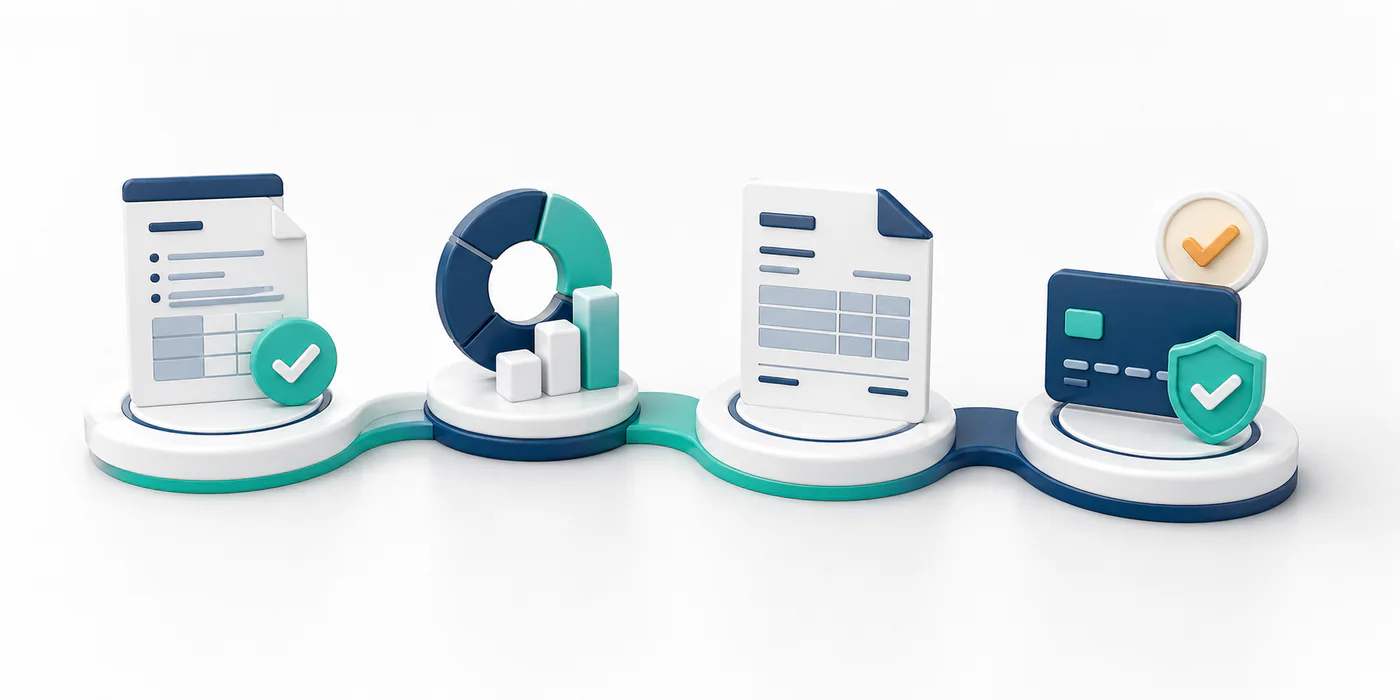
Create an estimate that supports a decision
An effective estimate describes the outcome, scope, price, assumptions, exclusions, timeline, and validity period. Separate optional items so the client can compare choices without guessing. If the final price can vary, explain the basis—hours, units, usage, or approved changes—and provide a realistic range where possible.
Avoid sending only a total. A concise structure helps the client understand value and gives your team a reliable reference when the invoice is prepared.
Make acceptance unambiguous
Provide a simple way to accept, such as an electronic approval, signed proposal, or purchase order. Record the accepted version and date. If several stakeholders are involved, identify the final decision-maker before work begins.
Acceptance should confirm the commercial terms as well as the scope. Include the deposit, milestone schedule, payment methods, taxes, cancellation rules, and due dates. This prevents the invoice from becoming the first place the customer sees an important condition.
Collect billing information early
During onboarding, ask for the legal customer name, billing address, tax identifier, accounts-payable contact, purchase-order requirements, and preferred invoice channel. Confirm whether the client needs timesheets, receipts, completion evidence, or a particular reference on each invoice.
Keep this information in one controlled customer record. Repeatedly asking the project contact for the same details makes the business appear disorganized and increases the chance of errors.
Connect delivery to billing
Define the events that trigger invoices. A deposit may follow acceptance, a milestone invoice may follow written approval, and a final invoice may follow delivery. Assign responsibility for confirming each event and preparing the supporting evidence.
For long projects, tell clients when to expect upcoming invoices. A short notice before a milestone charge gives them time to arrange internal approval and reduces surprise.
Preserve continuity from estimate to invoice
Convert accepted estimate items into invoice lines whenever your software allows it. Use consistent descriptions, prices, customer details, and project references. Clearly show approved changes instead of silently increasing an original line.
The invoice should be easy to scan. Display the invoice number, issue date, due date, amount, tax, payment instructions, and billing contact prominently. Include only the necessary supporting documents and use filenames that help the customer recognize them.
Offer a low-friction payment step
Provide secure methods appropriate to the transaction and customer. A payment link can eliminate manual entry, while clear bank-transfer instructions can support larger amounts. Confirm fees, settlement times, currencies, and limits before promising an option.
Design the payment experience for mobile as well as desktop. Avoid asking customers to create an unnecessary account or re-enter information the business already has. After payment, show a clear confirmation and send a receipt when useful.
Follow up with context
Use reminders before and after the due date, but keep them connected to the relationship. Include the invoice number, amount, due date, and payment route. If the invoice is late, ask whether a document, approval, or correction is needed.
Automate routine reminders while giving the account owner visibility. A personal conversation is better than repeated templates when the client raises a concern or misses several commitments.
Learn from friction
Track estimate acceptance time, invoice corrections, disputes, days to payment, failed transactions, and the questions clients ask repeatedly. Review lost deals and overdue invoices to locate breakdowns in scope, onboarding, or communication.
Ask a simple question after important projects: “Was the commercial and payment process clear?” The answer can reveal problems that accounting data misses.
A smooth estimate-to-payment experience balances control with convenience. It protects the business through clear records while respecting the client’s time. When every stage connects logically to the next, payment feels like the natural completion of the service rather than an uncomfortable afterthought.
Leave a Reply