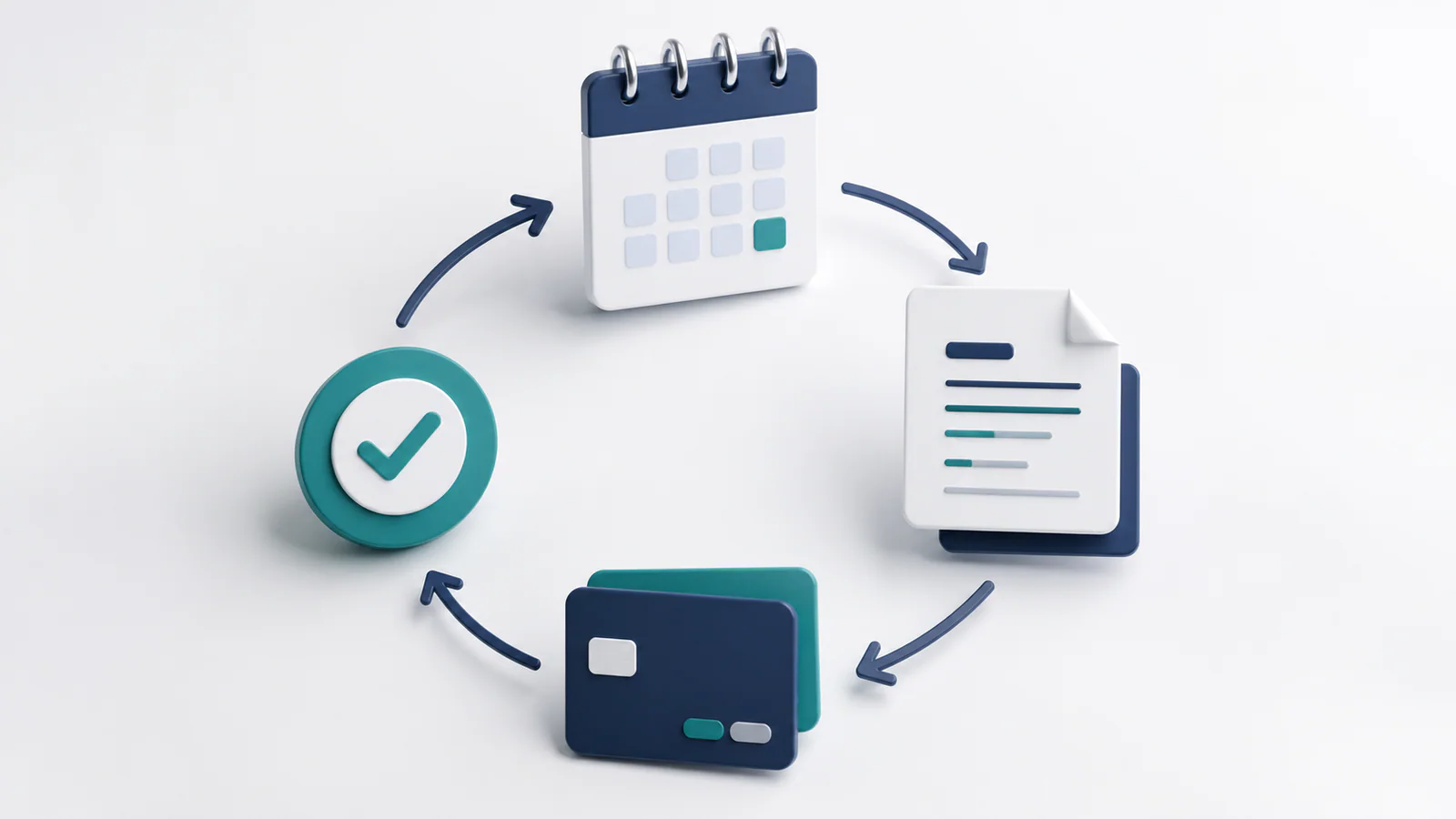
Recurring invoices allow a business to create and send bills on a predictable schedule without rebuilding the same document every month. They are useful for retainers, maintenance contracts, memberships, leases, managed services, and other arrangements with a stable billing pattern. Used carefully, automation saves time and makes revenue more consistent. Used carelessly, it can send incorrect charges at impressive speed.
The decision to automate should depend on the agreement, not simply on how frequently you invoice the customer.
When recurring invoices are a strong fit
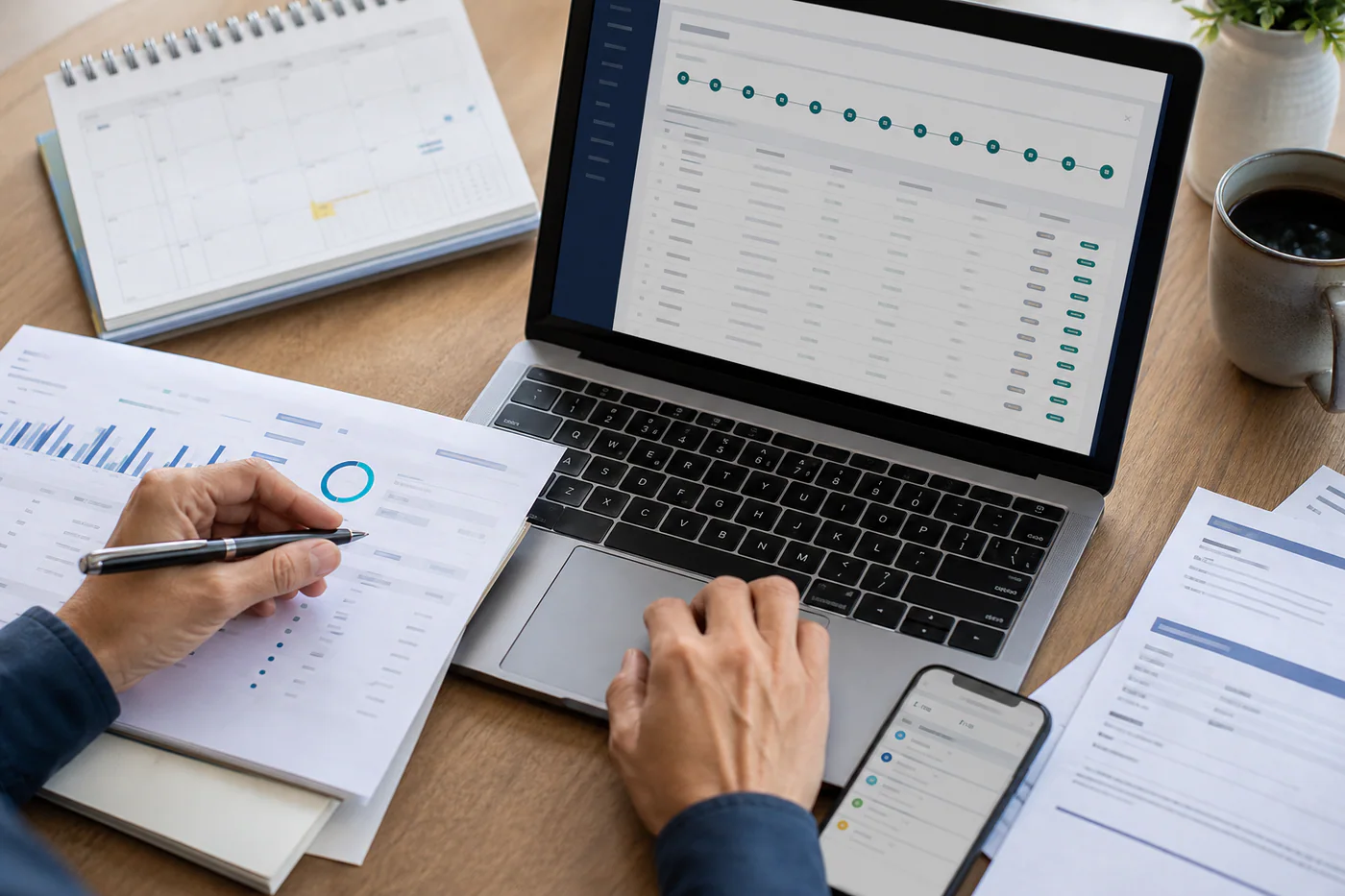
Automation works best when the customer, service, amount, tax treatment, frequency, and payment terms remain consistent. A monthly bookkeeping package at a fixed price is a straightforward example. The invoice date and due date can be generated from clear rules, while standard descriptions stay the same.
Recurring billing is also helpful when the amount changes according to a controlled formula, such as a base subscription plus measured usage. In that case, the system must reliably receive the usage data and show the calculation clearly enough for the customer to understand it.
Avoid full automation when every period requires subjective approval, the scope changes frequently, or the charge depends on incomplete timesheets. You can still create a repeating draft, but a person should review it before delivery.
Recurring invoice versus automatic payment
These terms are related but not identical. A recurring invoice schedules the bill. Automatic payment charges an approved payment method or initiates a debit according to an authorization. A business can send recurring invoices while asking customers to pay manually, or combine them with an automatic payment process.
If you store or use payment credentials, choose a reputable payment provider and follow applicable security, authorization, and notification requirements. Your invoicing tool should not expose sensitive card or bank details to staff who do not need them.
Configure the billing schedule carefully
Define the start date, frequency, billing period, issue date, due date, end date, and treatment of weekends or holidays. Decide whether you bill in advance or in arrears. “Monthly” can mean the first day of each calendar month, the anniversary of signup, or every 30 days; those schedules produce different customer experiences.
Use invoice descriptions that identify the service period. For example, show that the charge covers September support rather than listing only “monthly services.” Clear dates make approvals easier and reduce disputes.
Plan for changes and exceptions
Subscriptions are rarely static forever. Document how you handle upgrades, downgrades, credits, paused service, partial periods, extra usage, cancellations, and failed payments. Decide whether mid-cycle changes are prorated and explain the method in the customer agreement.
Create a reliable process for updating customer details and tax information. One edit should apply to the appropriate future invoices without rewriting historical records. Preserve an audit trail so you can see who changed an amount or schedule and when.
Add review controls
Even a well-designed automation needs monitoring. Review new schedules before activation and require approval for unusually large amounts or changes. Use a pre-billing report to check invoices that will be created in the next few days. Confirm that canceled accounts no longer generate charges.
Reconcile generated invoices with contracts and service records periodically. Limit user permissions so only authorized staff can change prices, payment methods, or customer balances. These controls protect both revenue and customer trust.
Communicate before and after billing
Send customers a clear confirmation when recurring billing begins. State the amount or calculation method, schedule, payment terms, and cancellation process. When appropriate, provide advance notice of upcoming charges and price changes. After payment, issue a receipt and make invoices easy to access.
Failed payments should trigger a helpful sequence: notify the customer, offer a secure way to update payment details, retry only according to your stated policy, and escalate internally if service may be affected. Avoid messages that reveal sensitive information.
Measure whether automation is working
Track failed payments, invoice corrections, customer disputes, time spent on billing, renewal rates, and overdue recurring balances. Automation is successful when it reduces work without increasing errors or confusion.
Begin with a small group of simple accounts, review the first two cycles, and then expand. Recurring invoices are most powerful when the underlying agreements and data are already disciplined. The software should reinforce a clear billing policy, not hide an unclear one.
Leave a Reply