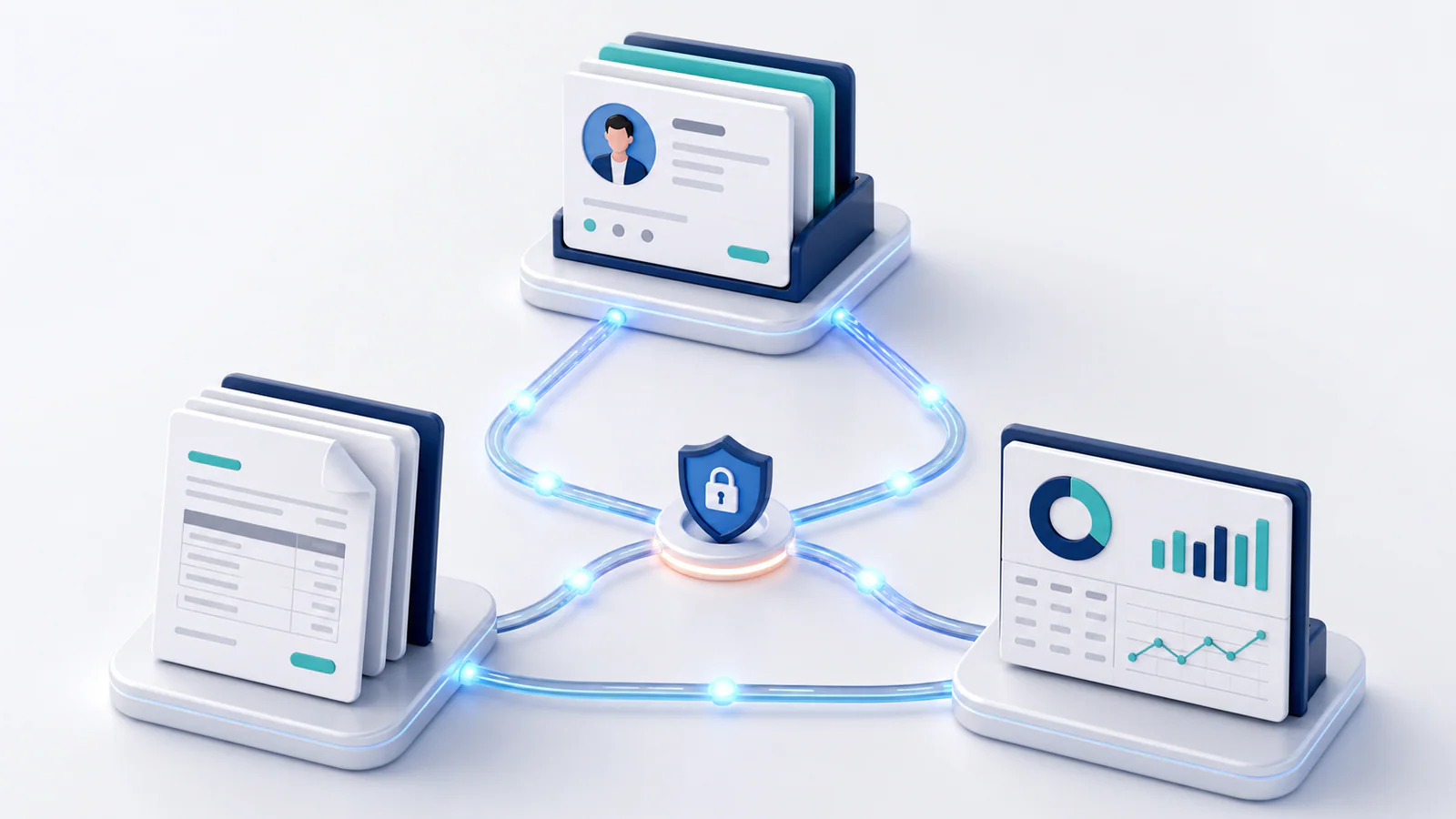
Invoicing, accounting, and customer relationship management systems often hold different pieces of the same transaction. The CRM records the customer and accepted deal, invoicing turns that agreement into a bill, and accounting records the financial result. When staff retype information between systems, errors and delays become almost inevitable.
Integration can create a smoother flow, but connecting software is not automatically an improvement. It is most valuable when the process and data ownership are already clear.
Signs that integration may be worthwhile
Consider integration when invoice volume is growing, the team copies the same customer or product data repeatedly, billing starts late because finance waits for sales information, or reconciliation consumes significant time. Frequent mistakes in names, prices, taxes, project codes, and payment status are another signal.
Customer experience also matters. Salespeople should not promise work without seeing credit holds or overdue balances, and account managers benefit from knowing whether a payment issue is blocking renewal.
Do not automate a process merely because it is frustrating. First determine why it fails. If sales stages are used inconsistently or accounting codes are unclear, an integration may spread poor data faster.
Decide which system owns each field
Create a simple data map. The CRM might own the prospect, contact, deal value, and signed order. The invoicing system might own invoice numbers, delivery, reminders, and payment links. Accounting should usually own the chart of accounts, tax reporting, reconciled payments, and financial statements.
For every shared field, name a source of truth and define whether updates travel one way or both ways. Two-way synchronization can sound convenient but may create loops and conflicting edits. Use it only when the business has a clear rule for resolving differences.
Map the transaction triggers
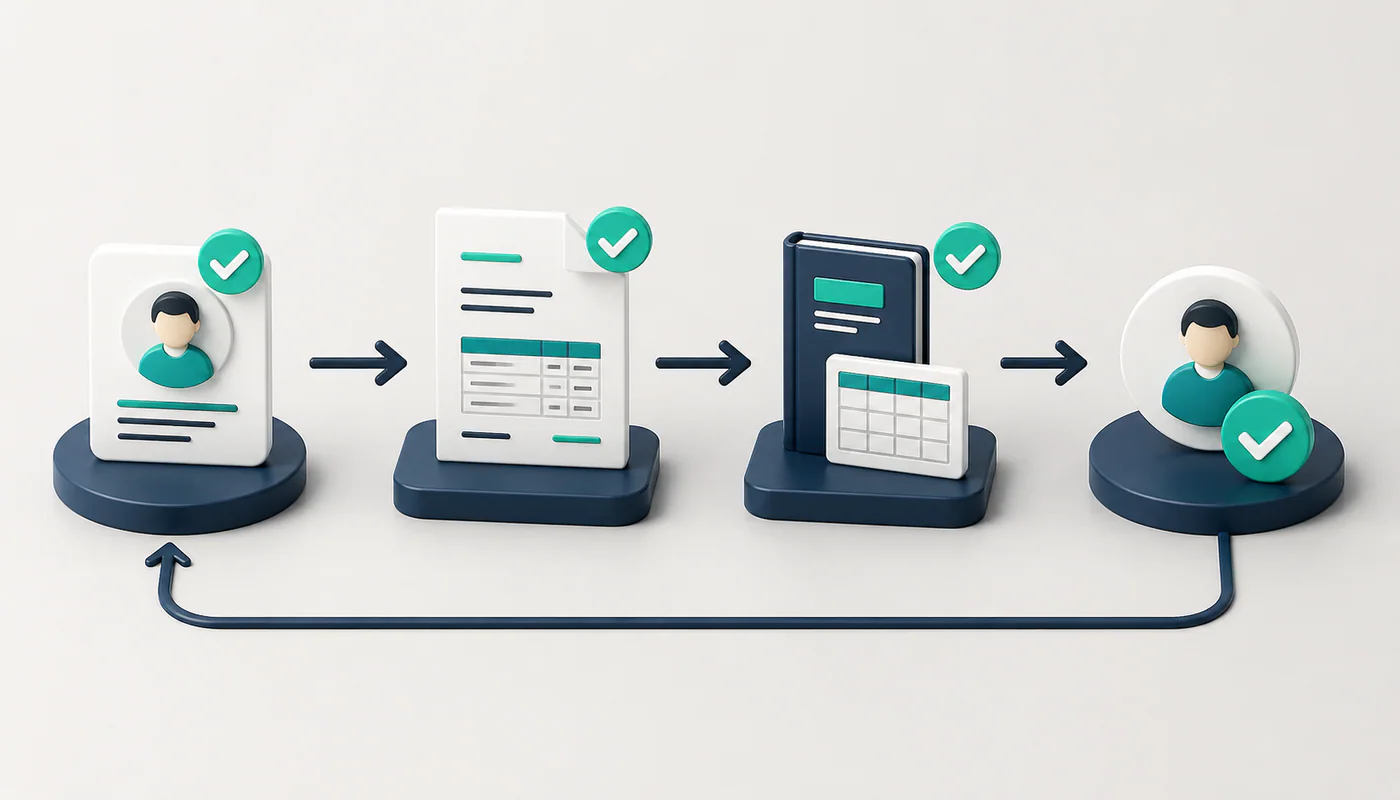
Choose the event that creates a customer, draft invoice, or payment record. A deal marked “closed won” might create a draft invoice for review. A completed project milestone could add a billable line. A settled payment could update the invoice and notify the account owner.
Avoid triggers based on vague or reversible actions. Include checks for required fields, approved pricing, and duplicates. For high-value or unusual transactions, automation should prepare a draft rather than send an invoice without review.
Protect accounting quality
An invoice integration should map products, revenue accounts, tax codes, currencies, discounts, and tracking categories correctly. Decide how it handles deposits, credit notes, refunds, partial payments, bad debt, and processing fees. Test these exceptions; real workflows contain more than simple paid-in-full invoices.
Preserve original documents and audit history. Staff should be able to trace a financial entry back to the invoice, customer agreement, and person or system that created it.
Choose an integration method
Many platforms offer native connections that are quick to configure and supported by the vendors. Automation platforms can connect a wider range of tools and are useful for moderate workflows. Custom application programming interface, or API, integrations provide greater control but require development, monitoring, security, and maintenance.
Evaluate more than setup cost. Review field coverage, synchronization timing, error handling, rate limits, vendor support, and what happens when a product changes its API. Ensure you can export the data if you later replace a system.
Design security and permissions
Use dedicated integration credentials, minimal access, secure secret storage, and multifactor authentication where supported. Restrict who can change mappings or payment destinations. Logs should show successful transfers, failures, and retries without exposing sensitive data.
Have a process for employee departures, vendor changes, and compromised credentials. Integrations are part of your control environment, not invisible plumbing.
Test before expanding
Start with a small customer group or one transaction type. Test new and existing customers, taxes, discounts, foreign currencies, edits, cancellations, duplicate events, failed payments, and system downtime. Reconcile totals between systems and ask end users to verify that the workflow matches reality.
Define alerts and an owner for failures. A silent integration can create more risk than a manual process because everyone assumes it is working.
Measure the result
Compare invoice preparation time, data corrections, billing delay, reconciliation effort, failed syncs, and days to payment before and after implementation. Keep a manual exception path for cases the automation cannot handle safely.
The right integration removes repetitive work while strengthening visibility and control. Begin with clear ownership, automate a narrow dependable flow, and expand only after the records reconcile. Good integration is not about making every system do everything; it is about letting each system do its job with accurate shared data.
Leave a Reply