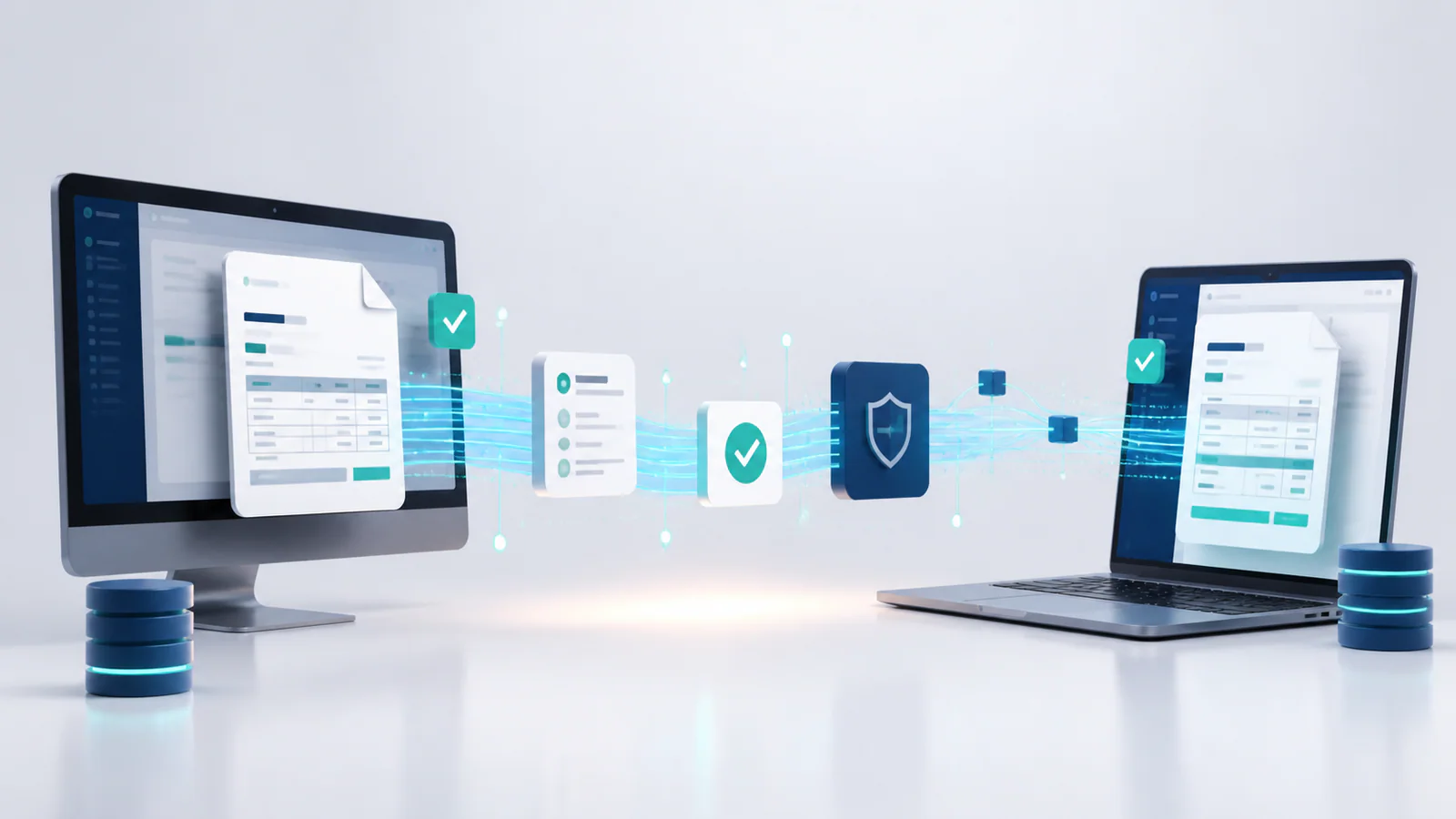
A PDF attached to an email feels digital, but it is not always an electronic invoice in the technical sense. This distinction matters as governments and large buyers increasingly require invoice data to move between systems in a structured format. Understanding the difference helps businesses choose software, design approval processes, and prepare for changing customer requirements.
The exact legal definition of electronic invoicing varies by country, so businesses should confirm local rules with qualified advisers. The operational principles, however, are broadly useful.
What is a PDF invoice?
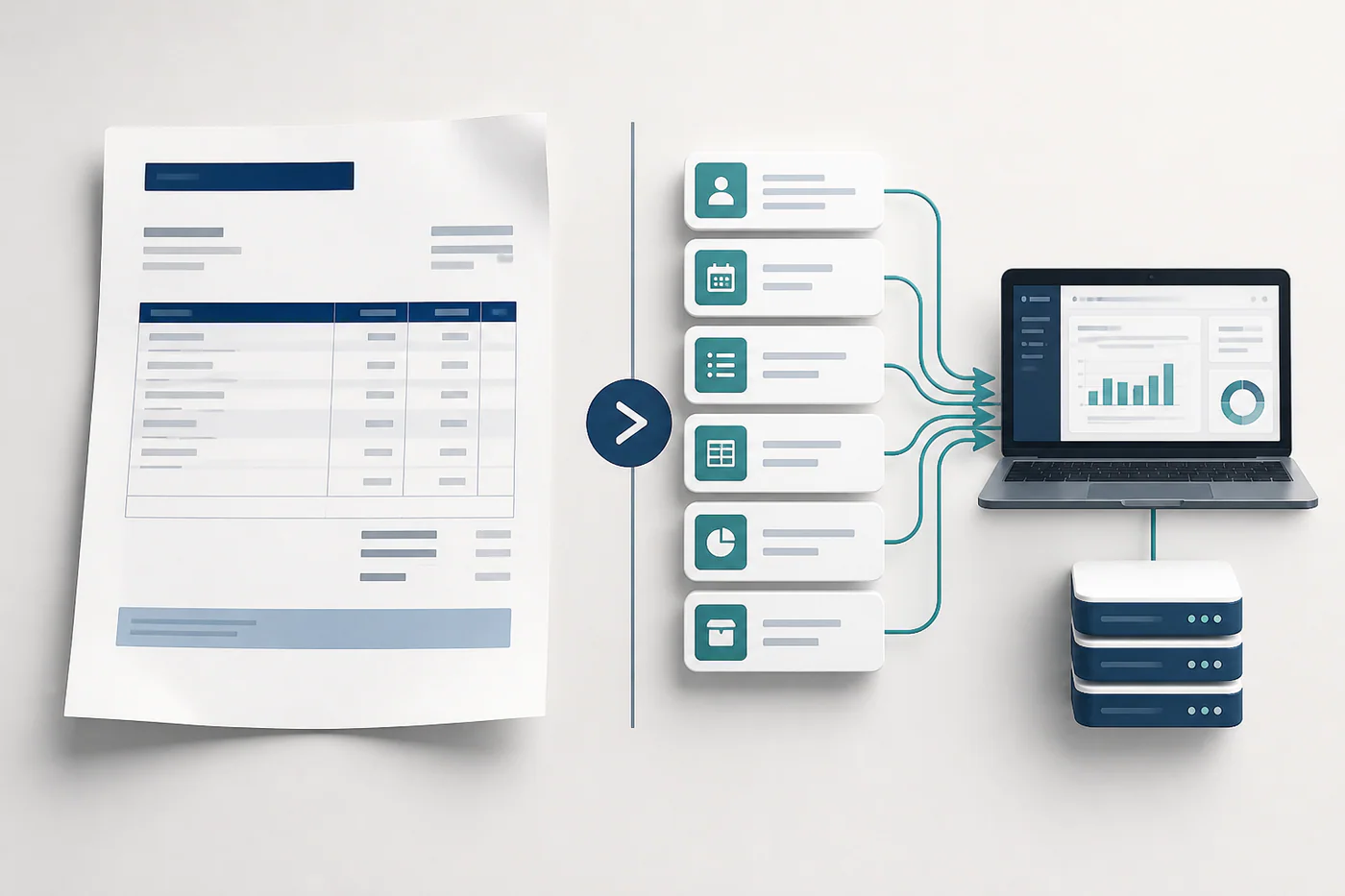
A PDF invoice is a visual document designed for a person to read. It reproduces the familiar layout of a paper invoice and can be emailed, downloaded, or uploaded to a customer portal. PDFs are convenient, widely supported, and easy to archive.
However, a receiving system usually cannot rely on the PDF’s layout as structured data. Someone may retype the supplier, invoice number, tax, line items, and totals, or software may attempt to extract them using optical character recognition. Both approaches can introduce errors and require validation.
What is an electronic invoice?
In a formal e-invoicing process, the invoice is created in a structured data format that both the sender’s and receiver’s systems understand. Fields such as supplier identity, item description, quantity, tax code, amount, and payment terms have defined locations. The data may travel directly through a network, platform, or government system and can be validated automatically.
Some processes also create a human-readable copy for reference, but the structured data is the authoritative component. An emailed PDF alone may not meet a jurisdiction’s e-invoicing requirement.
Why structured data changes the workflow
Machine-readable invoices can reduce manual entry, identify missing fields, detect duplicates, and match charges with purchase orders or receipts. This can shorten approval times and give finance teams a more current view of liabilities and receivables.
The sender benefits too. Validation may catch an invalid customer identifier or tax code before the invoice enters the buyer’s queue. Status messages can show whether the invoice was received, rejected, approved, or paid, reducing uncertainty and follow-up emails.
Key differences to evaluate
First, consider delivery. PDFs move through email or portals, while e-invoices often use a defined network or integration. Second, review data quality. A PDF presents information visually; an e-invoice requires each element to follow a schema. Third, examine validation and identity controls. Structured systems may verify mandatory data or registered participants before accepting the invoice.
Archiving requirements can also differ. A folder of PDFs may be sufficient for internal convenience but not for a regulated process that requires original structured records, audit evidence, or specified retention periods.
Is e-invoicing always better?
Not every customer or transaction needs a complex integration. A freelancer serving a few local clients may find a well-designed PDF entirely practical. Implementation costs, customer readiness, supported networks, and transaction volume all affect the decision.
The strongest case for e-invoicing appears when a mandate applies, a major customer requires it, or high volume makes manual processing expensive. It can also support faster reconciliation and better controls across a growing supplier or customer base.
How to prepare your business
Start by identifying where you sell and which customer segments have special invoice rules. Ask your software provider which structured formats, networks, and countries it supports. “Electronic invoicing” on a feature list does not guarantee compatibility with every mandate.
Clean your master data, including legal names, addresses, tax identifiers, payment details, item codes, and customer references. Map how your invoices are approved, corrected, canceled, and archived. Test common transactions as well as credit notes, foreign currencies, discounts, and partial deliveries.
Maintain a contingency process for rejected or unavailable transmissions, and train staff to interpret status messages. Do not treat a successful send as proof of customer acceptance.
PDF invoices will remain useful because people value a readable document. Structured e-invoices add a different capability: dependable system-to-system data. The right approach may use both, but the business should know which record drives compliance and processing in each market.
Leave a Reply